

Have You Checked Your Reverse DNS Setup Lately?
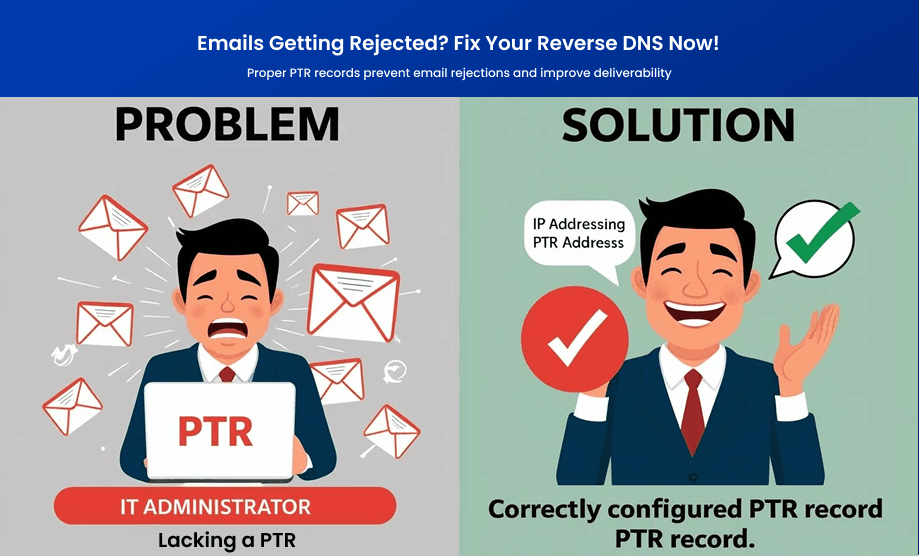
Ever experienced email rejections or delivery failures? Wondering why some of your emails land in spam? The issue might be with your Reverse DNS (rDNS) setup, specifically your PTR (Pointer) records. These records verify that an IP address maps back to a domain, ensuring credibility in email communications. Without a valid PTR record, your emails may be flagged as suspicious. Let’s dive into troubleshooting and fixing common rDNS issues.
What Are PTR Records and Why Do They Matter?
PTR records function like the reverse of an A record. Instead of pointing a domain to an IP, a PTR record maps an IP address back to a hostname.
| Term | Definition |
|---|---|
| PTR Record | Resolves an IP address to a hostname. |
| rDNS (Reverse DNS) | A lookup that uses PTR records to validate an IP. |
| Forward DNS | A lookup that translates domain names into IPs (opposite of rDNS). |
Why Are PTR Records Important?
- Email Deliverability: Many mail servers reject emails from IPs without valid PTR records.
- Spam Prevention: Email providers trust emails with correct rDNS setups more.
- Network Security: Proper rDNS prevents spoofing and improves network integrity.
How to Check Your PTR Record?
Method 1: Using Online Lookup Tools
Quickly check your PTR record by using a reverse DNS lookup tool. Simply enter your IP address, and the tool will show the associated domain name (if correctly configured).
Method 2: Using Command Line
Windows (Command Prompt):
nslookup youripaddress
Mac/Linux (Terminal):
dig -x youripaddress
If a PTR record exists, the hostname will be displayed. If not, you may need to set one up.
Common Reverse DNS Issues and How to Fix Them
| Issue | Cause | Solution |
|---|---|---|
| No PTR record found | No rDNS setup for IP | Contact hosting provider to add a PTR record. |
| Incorrect hostname | Misconfigured PTR record | Update the PTR record to match the correct hostname. |
| Email rejections | PTR does not match forward DNS | Ensure the A record and PTR record match for consistency. |
| Delays in email delivery | Slow or misconfigured rDNS | Verify with your hosting provider for accurate configuration. |
How to Set Up or Update a PTR Record?
PTR records are managed by the owner of the IP address (typically your hosting provider or ISP). Here’s how to proceed:
-
Identify Your IP Address Provider
- Use
whois youripaddressin a command line or an online WHOIS tool.
- Use
-
Request a PTR Record Update
-
Contact your hosting provider or ISP and provide:
- Your IP address
- The hostname it should resolve to
-
-
Verify the Configuration
- Use
nslookupordig -xto confirm the changes.
- Use
-
Ensure Forward and Reverse DNS Match
- Make sure the hostname in your PTR record has a corresponding A record.
FAQs
1. Can I configure a PTR record myself? No, unless you control your IP’s reverse DNS zone. Typically, your ISP or hosting provider must set it up.
2. How long does it take for a new PTR record to propagate? Usually, within a few hours, but it can take up to 48 hours.
3. Do I need a PTR record if I don’t send emails? Not necessarily, but it’s good practice for security and network hygiene.
Final Thoughts
Having a properly configured PTR record is crucial for maintaining email deliverability, preventing spam classification, and ensuring network security. Regularly check and maintain your Reverse DNS setup to avoid email-related headaches and security vulnerabilities.
Need more in-depth insights into email security? Keep an eye on your PTR records, SPF, DKIM, and DMARC settings to ensure seamless communication.
🚀 Your emails deserve to reach the inbox—not the spam folder!
















