LATEST NEWS
Stay updated with the latest in email security, DMARC best practices, and protection against phishing threats.

DMARC p=reject tells receiving servers to refuse mail that fails DMARC. Get there in stages: publish p=none with a rua address, fix each legitimate sender with aligned DKIM or SPF, then move to p=quarantine and finally p=reject.
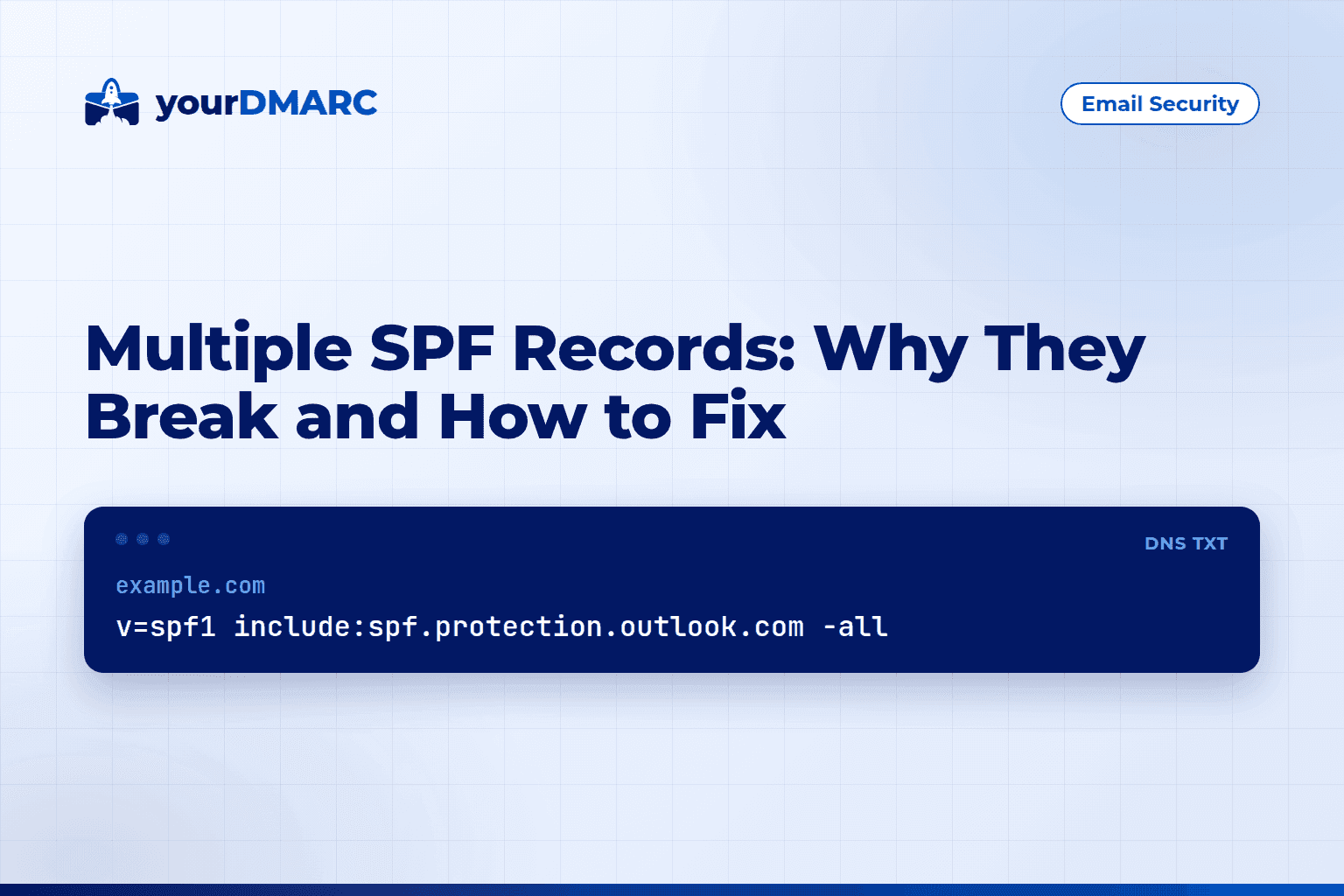
Multiple SPF records on one domain cause an SPF permerror, so SPF fails for every message. A domain may publish only one v=spf1 TXT record. Fix it by merging all include and ip mechanisms into a single record.
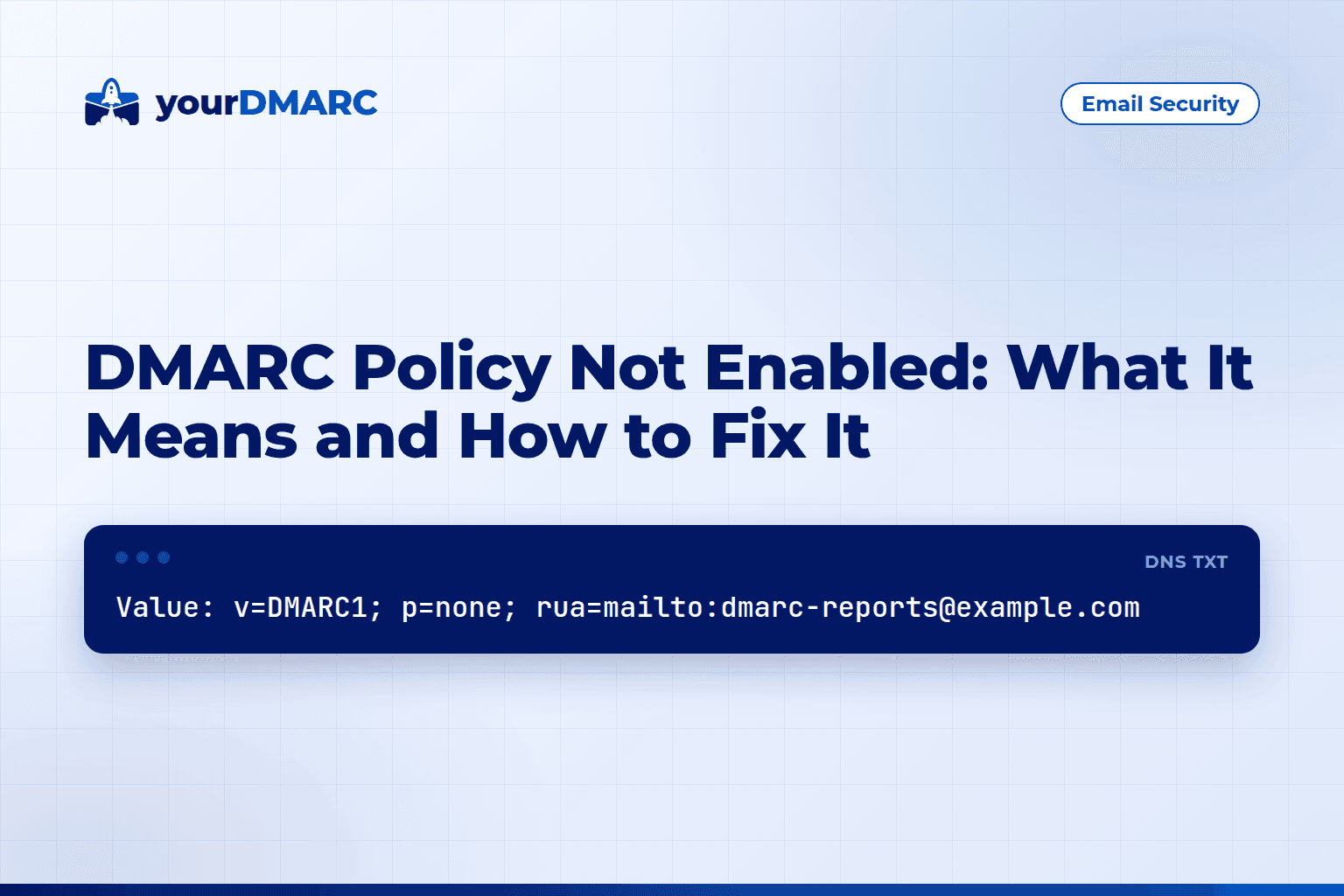
DMARC policy not enabled means no valid DMARC record was found at _dmarc.yourdomain, or the policy is p=none. Publish one TXT record with v=DMARC1, a p= tag and an rua address, then move to quarantine and reject.
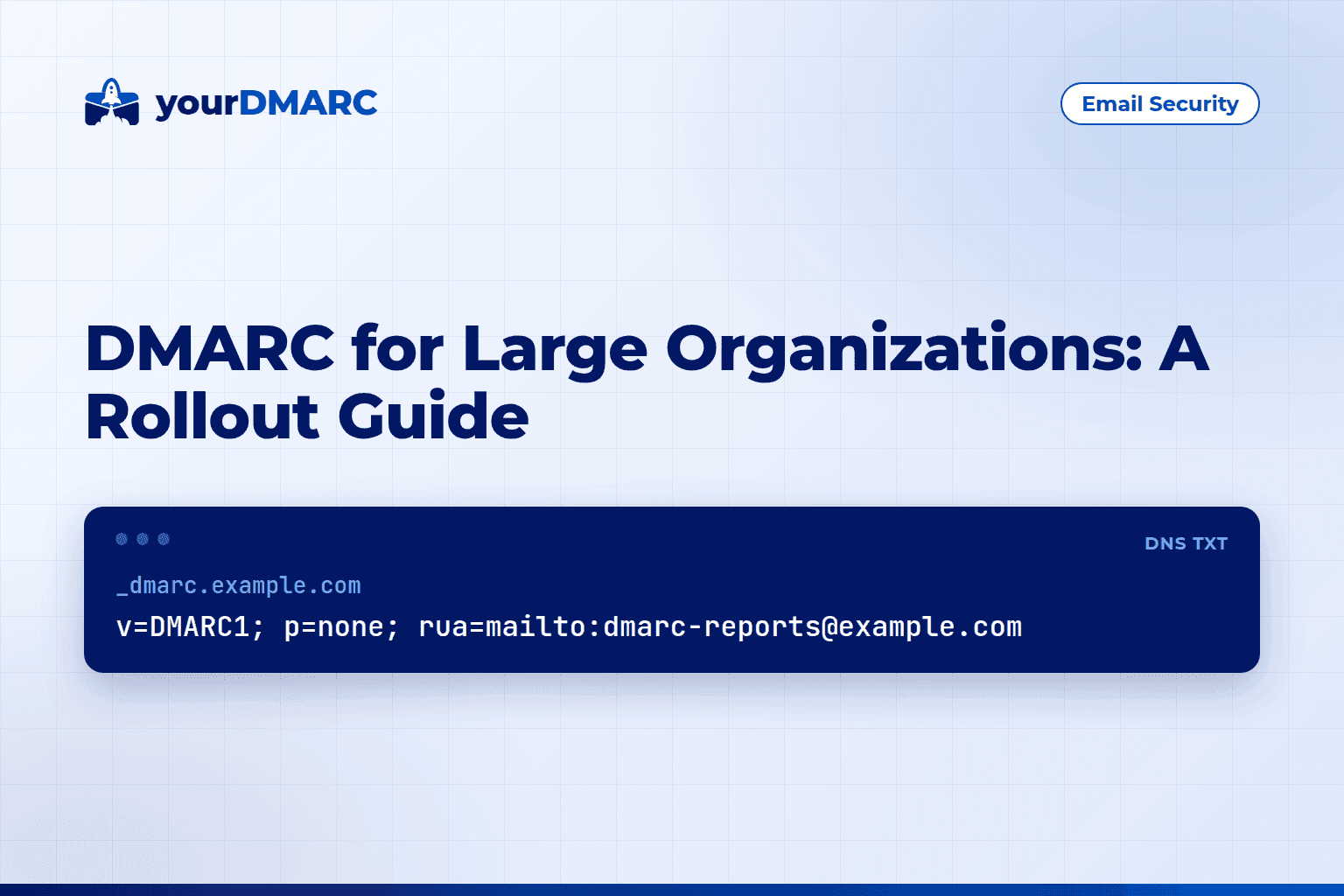
DMARC for large organizations means inventorying every sender, publishing p=none with reporting, and fixing SPF and DKIM alignment. Then move to quarantine and reject in stages under central ownership.
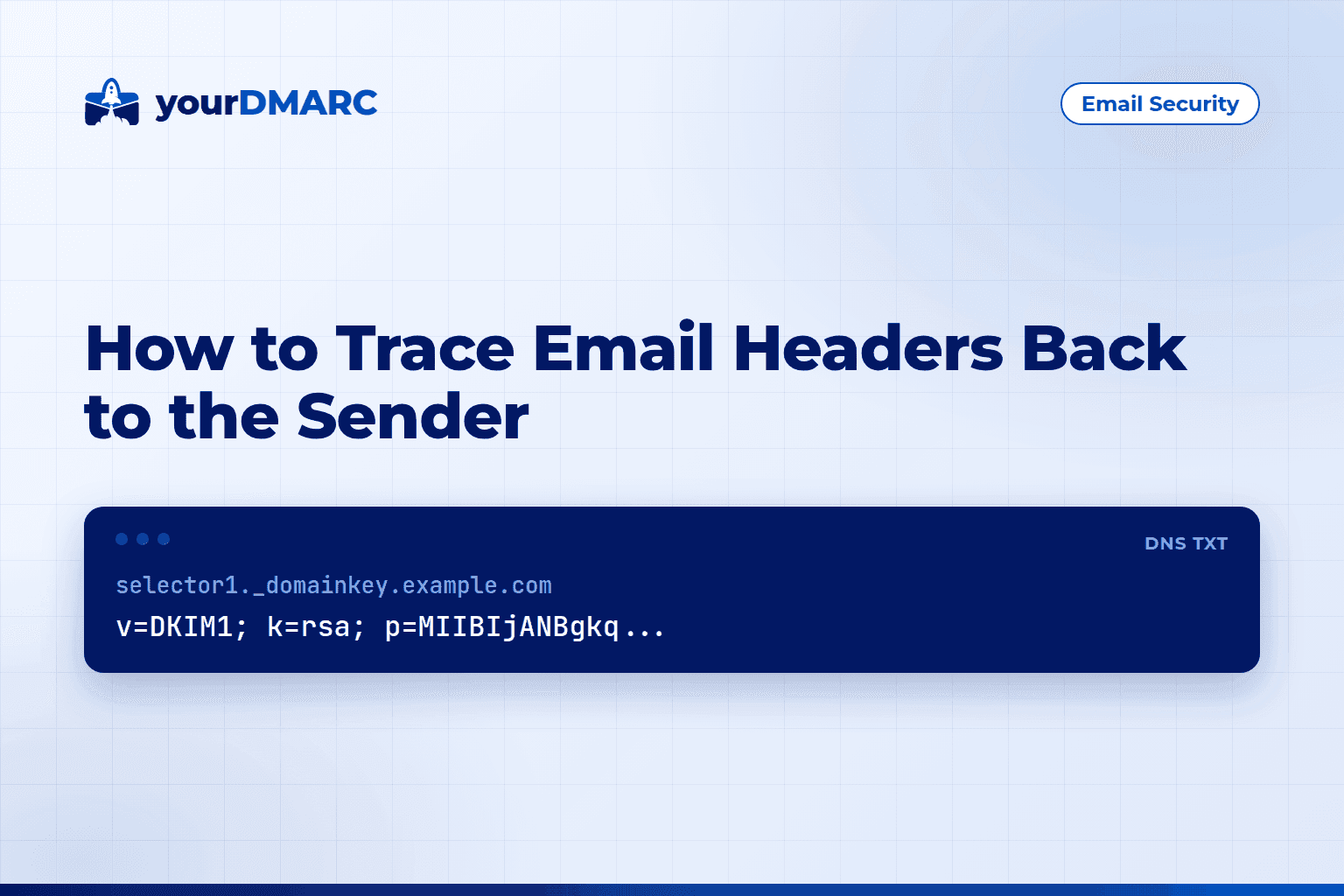
To trace email headers, open the full original source and read the Received lines from bottom to top; each line is one server hop. Then check Authentication-Results for SPF, DKIM and DMARC.
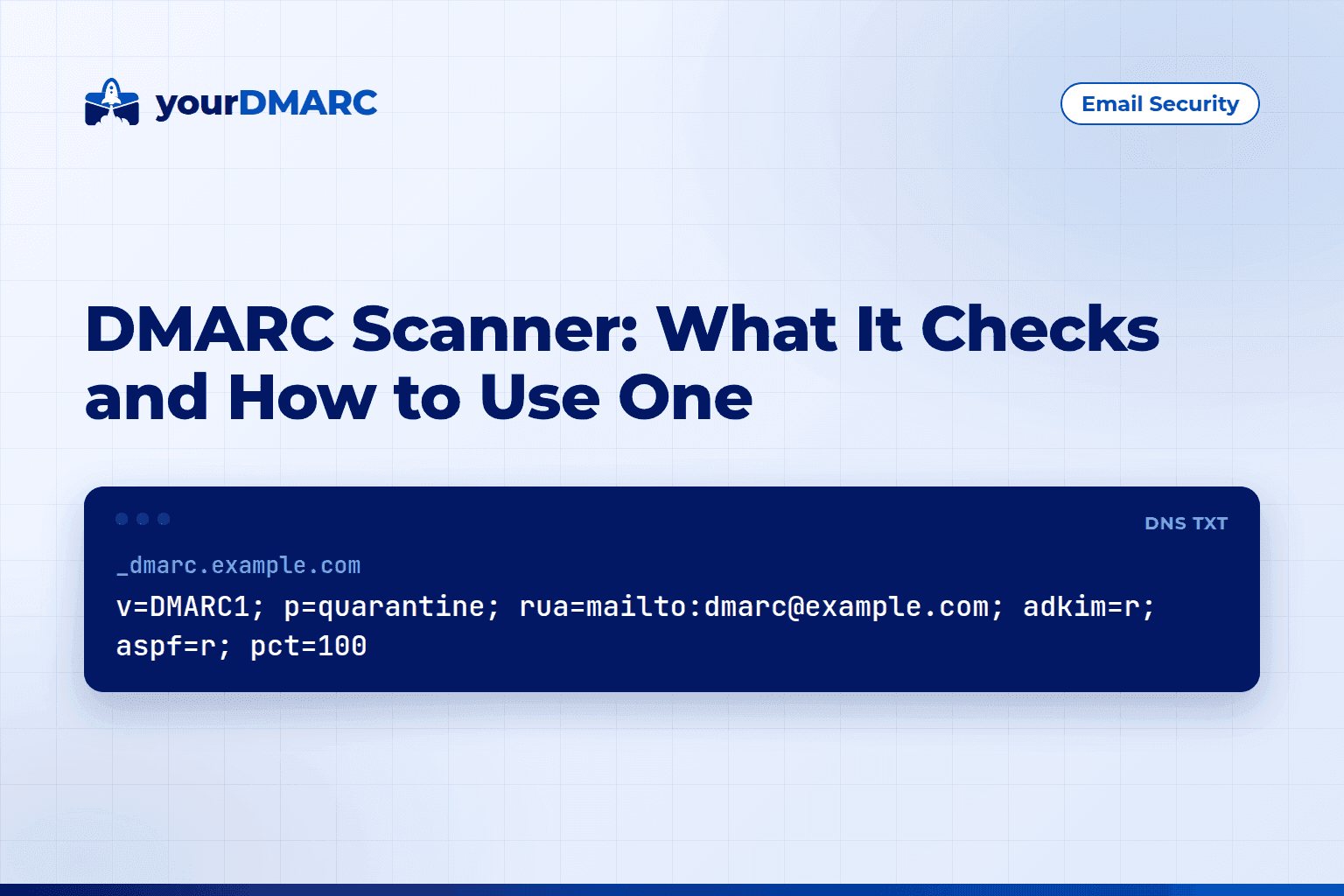
A DMARC scanner looks up a domain's DNS records and reports whether DMARC, SPF and DKIM are published and valid. It flags syntax errors, weak policies and missing tags, but it can't show who actually sends mail as your domain.
Discover more about yourDMARC and book a demo with sales.
Explore our flexible plans and pricing for perfectly fit solutions.

Explore our latest blogs for expert insights on email spoofing prevention.

See how yourDMARC can stop spoofing of your organization's domains
Download to read the eBook
Contact Now