DMARC policy not enabled means a receiver or scanning tool found no usable DMARC policy for your domain. Either there is no TXT record at _dmarc.example.com, the record is malformed, or it sits at p=none, so nothing is enforced. Fix it by publishing a valid record with a p= tag and an rua reporting address, then move gradually to quarantine and reject.
What does DMARC policy not enabled mean?
It means the domain you checked does not tell receiving mail servers what to do with messages that fail authentication. DMARC is published as a DNS TXT record, and without a valid one, receivers apply their own judgement to spoofed mail from your domain. Some tools also use the phrase when the policy is p=none, which only monitors.
Why is my DMARC policy not enabled?
The most common reason is simple: no DMARC record has been published. Other causes are a record at the wrong hostname, a syntax error that makes the record invalid, or a policy of p=none that a checker flags as not enforcing. Each has a different fix, so identify yours first.
Typical causes:
- No record at all. Querying
_dmarc.example.comreturns nothing. - Wrong location. The record was added at
example.comordmarc.example.cominstead of_dmarc.example.com. - Syntax problems. The
v=DMARC1tag is not first, a tag is misspelled, or there are stray characters or smart quotes pasted from a document. - Duplicate records. More than one DMARC TXT record exists at the same name, which makes the result invalid.
- Policy is p=none. The record is valid, but it requests no action on failing mail.
- Subdomain checked on its own. A subdomain with no record of its own uses the organizational domain's record, so a problem there affects every subdomain that relies on it.
How do I enable a DMARC policy?
Publish a single TXT record at _dmarc. followed by your domain, beginning with v=DMARC1 and including a p= tag. Add an rua address so you receive aggregate reports, since that tag is what enables reporting. DNS changes can take time to propagate, depending on your TTL.
Here is a safe starting record:
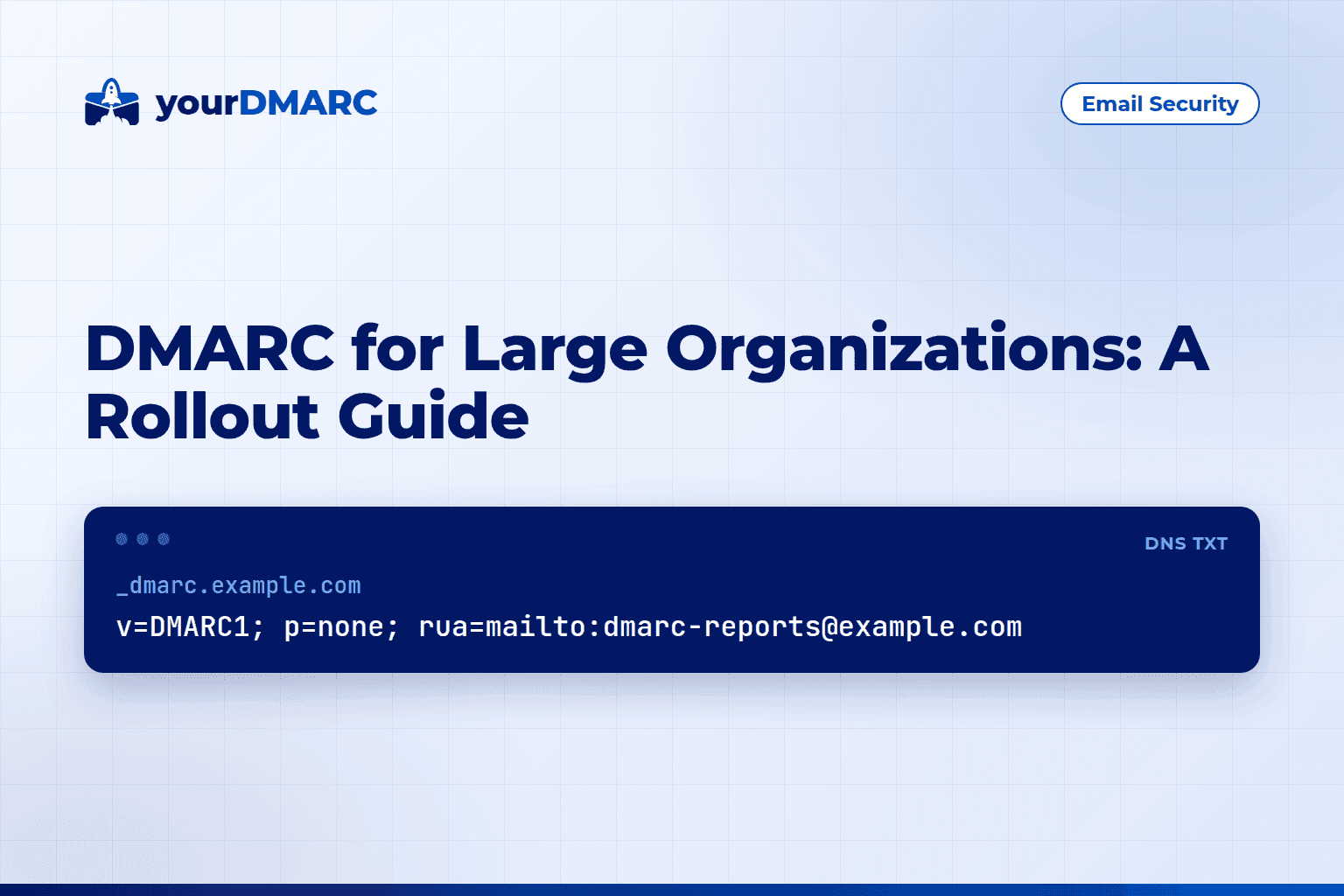
Host:  _dmarc.example.com
Type:  TXT
Value: v=DMARC1; p=none; rua=mailto:dmarc-reports@example.com
Steps:
- Inventory every system that sends mail as your domain: your mailbox provider, marketing platforms, billing tools, ticketing systems and servers.
- Make sure SPF and DKIM are set up for each legitimate sender. The free domain scanner gives a quick look at your current records.
- Publish the record above in your DNS provider's control panel.
- Wait for the TXT record to propagate, then confirm it with the DMARC lookup tool.
- Review incoming aggregate reports and fix legitimate senders that fail.
Which DMARC policy should I start with?
Start with p=none plus an rua address. It will not cause legitimate mail to be rejected while you discover your senders, and the rua tag gives you the reports. It does not stop spoofing, so the goal is p=quarantine and then p=reject once your legitimate mail passes.
Note that p=none does not switch reporting on by itself. Reports are requested by the rua tag, whatever the policy is. A p=none record with no rua sends you nothing.
The three policy values are:
p=none: monitor only. Failing mail is delivered normally.p=quarantine: ask receivers to treat failing mail as suspicious, typically by sending it to spam.p=reject: ask receivers to refuse failing mail during the SMTP exchange.
Policies are requests, and receivers make the final decision. The full specification is in RFC 7489.
How do I check that my DMARC record is valid?
Run a DNS query for the TXT record at _dmarc.example.com and confirm it returns exactly one record starting with v=DMARC1. You can do this with a command line tool or a web-based checker. Then confirm the tags are spelled correctly and the reporting address is a valid mailto: URI.
From a terminal:
dig +short TXT _dmarc.example.com
A healthy response looks like this:
"v=DMARC1; p=none; rua=mailto:dmarc-reports@example.com"
If nothing comes back, the record is missing or in the wrong place. If two lines come back, delete one. You can also paste your domain into the DMARC record checker, which parses the tags and points out errors.
Common mistakes that keep the policy from working
- Putting
p=beforev=. The version tag must come first. - Using the wrong separator. Tags are separated by semicolons, not commas.
- Sending reports to an external domain without authorisation. If your
ruaaddress is at a different domain, that domain must publish a record permitting it to receive your reports. Otherwise, reports may never arrive. - Misunderstanding subdomain inheritance. A subdomain with no DMARC record of its own falls back to the record at the organizational domain, not its immediate parent. For
a.b.example.com, the record at_dmarc.b.example.comis never checked; the lookup goes to_dmarc.example.com. In that record,sp=sets the policy for subdomains. To give one subdomain a different policy, publish a record at its own_dmarcname. - Enforcing too early. Jumping straight to
p=rejectbefore SPF and DKIM are aligned for every sender can block real invoices, password resets and newsletters. - Never leaving p=none. Many domains publish a record, see the warning clear, and stop. Monitoring alone does not block spoofing.
How do I move from p=none to enforcement?
Read your aggregate reports, fix each legitimate sender that fails alignment, and only then tighten the policy. Raw reports arrive as XML files from each receiver, which are hard to read at scale. A DMARC monitoring tool collects and visualises those reports so you can see which sources pass and which fail.
A sensible sequence is:
- Keep
p=nonewhile you gather reports and identify every sending source. - Fix alignment for legitimate sources (see below).
- Move to
p=quarantineonce legitimate mail passes consistently. - Move to
p=rejectafter you have confirmed that nothing legitimate is being quarantined.
DMARC passes when either SPF or DKIM passes and aligns with the domain in the visible From address. The two checks compare different domains:
- SPF alignment uses the envelope MAIL FROM (Return-Path) domain, not the From header.
- DKIM alignment uses the domain in the signature's
d=tag.
By default, alignment is relaxed (aspf=r and adkim=r), which only requires the same organizational domain. A sender using bounce.example.com as its Return-Path already aligns with example.com under relaxed mode. Strict mode (s) demands an exact match, so check your tags before "fixing" senders that already pass.
Example of an enforced record:
v=DMARC1; p=reject; rua=mailto:dmarc-reports@example.com
If you would rather not run this yourself, the managed service from yourDMARC has the team run the rollout to p=reject for you.
Is a DMARC policy required?
Requirements vary by sender and sector. Large mailbox providers have set authentication requirements for bulk senders, and some regulations and industry frameworks expect DMARC. Even where it is not mandated, an enforced policy is one of the main ways to stop others from spoofing your domain. Check the compliance overview to see which requirements may apply to you.
Key takeaways
- DMARC policy not enabled usually means there is no valid DMARC TXT record at
_dmarc.yourdomain, or the policy is p=none. - Publish exactly one record, starting with
v=DMARC1, at the_dmarchostname. - Begin with
p=noneand add anruaaddress: theruatag, not the policy, enables aggregate reports. - Subdomains without their own record use the organizational domain's record;
sp=controls their policy. - Confirm the record with
dig +short TXT _dmarc.example.comor a DMARC lookup tool. - Check SPF (MAIL FROM) and DKIM (
d=) alignment for every legitimate sender; relaxed alignment only needs the same organizational domain. - Move to
p=quarantine, thenp=reject, to actually block spoofed mail, and do not stay at p=none indefinitely.