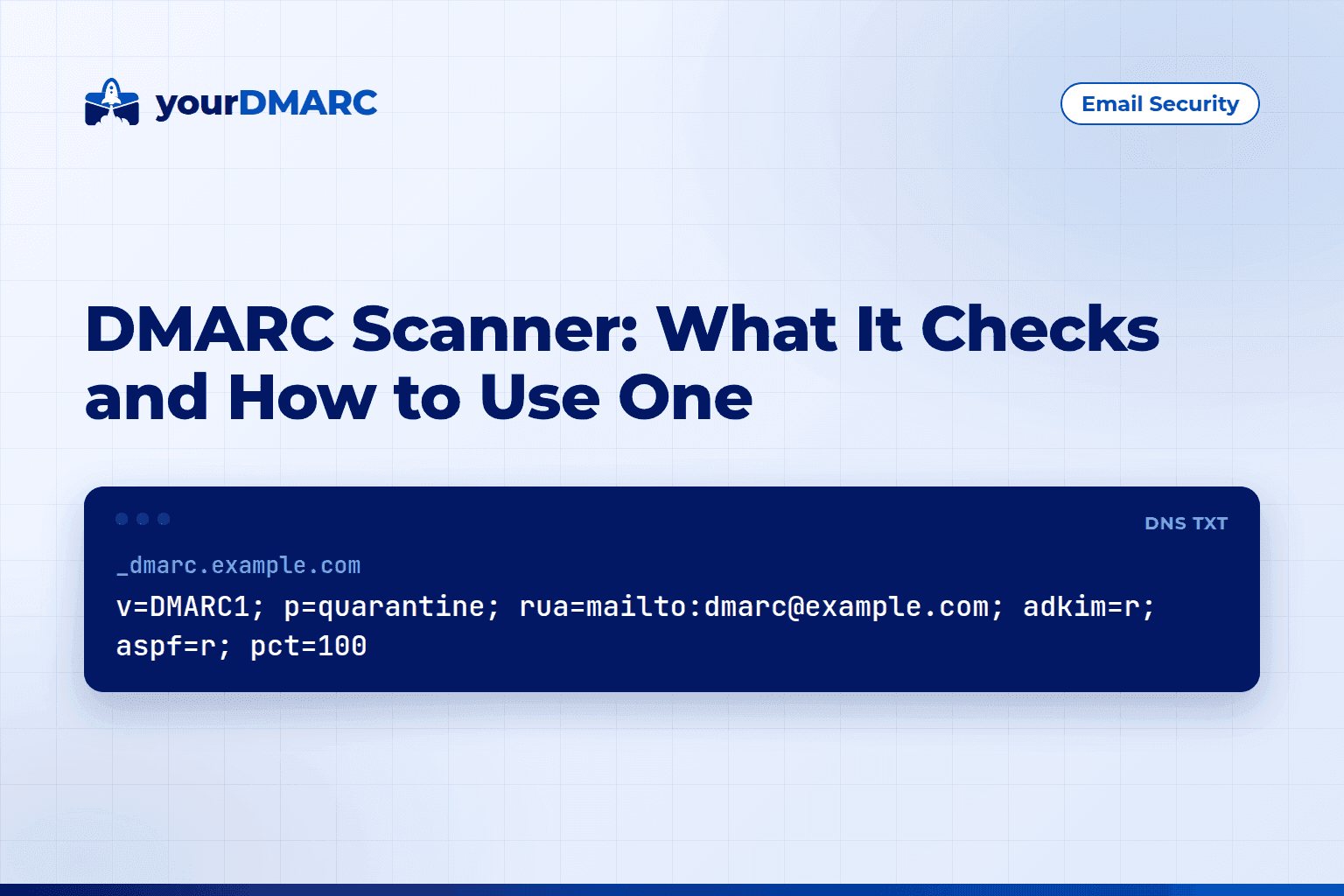
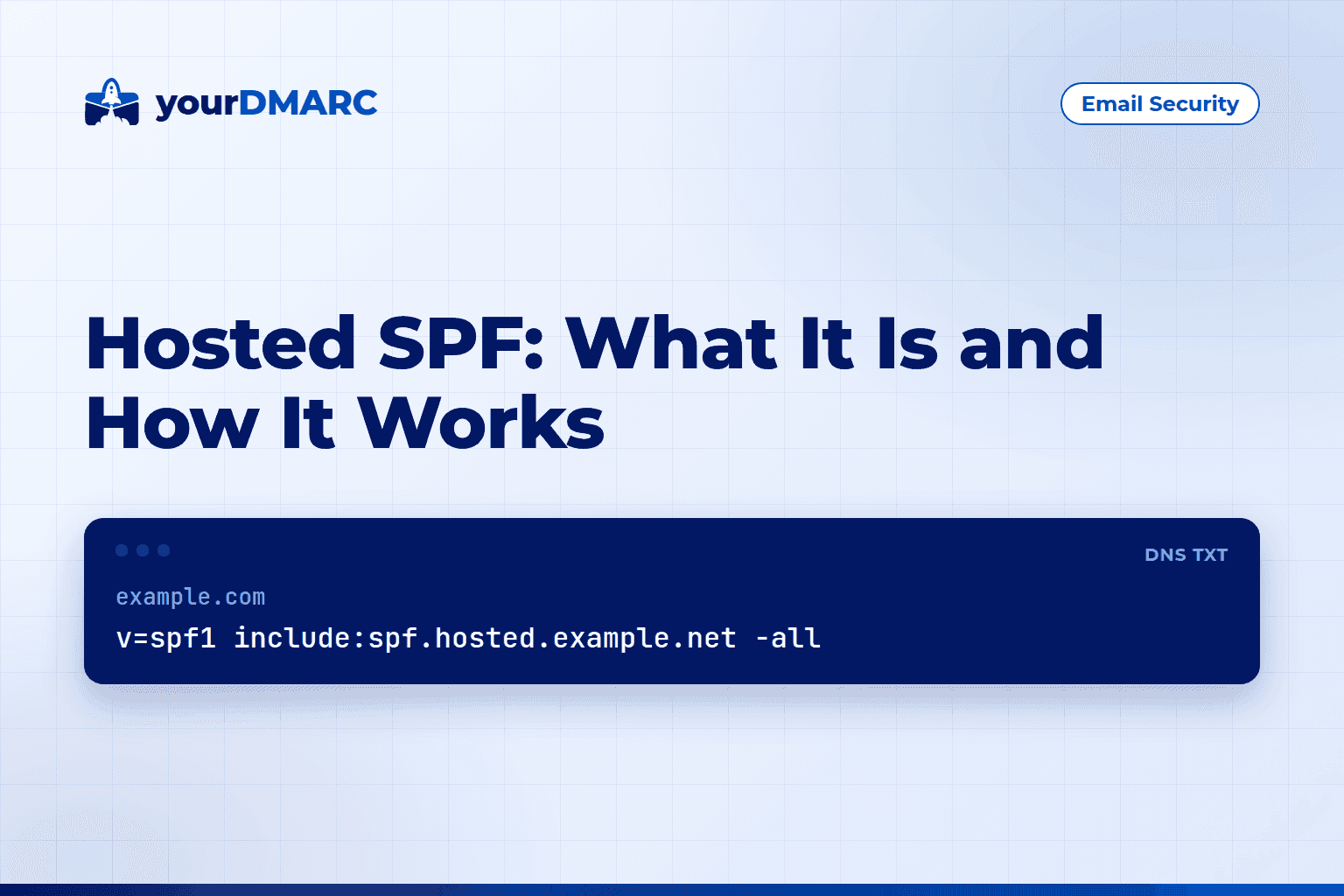
DMARC for large organizations means inventorying every sender, publishing p=none with reporting, and fixing SPF and DKIM alignment. Then move to quarantine and reject in stages under central ownership.
The protocol is the same at any size. What changes is the number of senders, domains and stakeholders you must coordinate. This guide focuses on the large-organization details: report volume, subdomain inheritance, delegated DNS and what the DMARCbis revision changes.
Why is DMARC harder for large organizations?
Mail comes from many places you do not fully control: marketing platforms, HR and billing tools, ticketing systems, regional subsidiaries and acquired companies. Each source must pass SPF or DKIM with a domain aligned to the From address before you can safely enforce a policy.
Typical friction points:
- Shadow IT. Teams sign up for SaaS tools that send as your domain without telling anyone.
- Distributed DNS. Different teams or vendors control different zones, and a delegated subdomain can publish its own DMARC record.
- Change control. DNS edits need tickets and approvals, which slows every fix.
- Report volume. Many domains and senders mean many aggregate reports, which no one can read by hand.
What does a DMARC rollout look like at scale?
Run the usual stages per domain, each with a written exit criterion: publish p=none with reporting, fix legitimate senders, move to p=quarantine, then p=reject. Exit a stage only when reports show legitimate mail passing for a full business cycle, such as month-end billing.
Stage 1: Publish a monitoring record
_dmarc.example.com. IN TXT "v=DMARC1; p=none; rua=mailto:dmarc-reports@example.com"
At scale, never point rua at a person's inbox. Use a dedicated mailbox or a collector. The rua tag accepts a comma-separated list, so you can send reports to both an internal archive and a monitoring service:
_dmarc.example.com. IN TXT "v=DMARC1; p=none; rua=mailto:dmarc-reports@example.com,mailto:example-tenant@reports-example.net"
Every destination on a different domain needs an authorization record in that domain's DNS, as described in RFC 7489:
example.com._report._dmarc.reports-example.net. IN TXT "v=DMARC1"
Without it, receivers should not send reports there, and you will see silent gaps rather than errors.
Stage 2: Build the inventory from reports
A DMARC monitoring tool collects and visualises aggregate reports so you can see which IPs and services send as each domain and whether they pass SPF, DKIM and alignment. Compare that list with what teams say they use, and chase down every difference. Assign each unknown source an owner before you touch policy.
Stage 3: Fix alignment source by source
For each legitimate sender, make at least one of these true:
- SPF passes and the Return-Path domain aligns with the From domain.
- DKIM passes and the
d=signing domain aligns with the From domain.
Most platforms let you publish a DKIM key under your domain with a CNAME or TXT record. DKIM is usually the more reliable path because it survives forwarding better than SPF.
Stage 4: Enforce in steps
The pct tag in the current specification applies the policy to only part of failing mail:
_dmarc.example.com. IN TXT "v=DMARC1; p=quarantine; pct=25; rua=mailto:dmarc-reports@example.com"
Raise it in steps, then remove it and set p=reject. Note that the DMARCbis revision drops pct in favour of a t testing flag (t=y asks receivers to treat the policy as a test). It also adds np, a policy for non-existent subdomains. Support depends on the receiver and your tooling, so verify what you rely on. Check each change with the free DMARC lookup tool.
How do you handle SPF limits with many senders?
SPF allows at most 10 DNS lookups during evaluation. Every include:, a, mx, exists and redirect counts, including nested ones. Exceeding the limit causes a permanent error (permerror), so SPF fails for all mail from that record, even from legitimate senders.
Ways to stay under the limit:
- Remove includes for vendors you no longer use.
- Use DKIM alignment for third-party senders instead of adding their SPF include.
- Send each mail stream from its own subdomain with a short SPF record.
news.example.com.    IN TXT "v=spf1 include:_spf.vendor-a.example ~all"
billing.example.com. IN TXT "v=spf1 include:_spf.vendor-b.example ~all"
Separate subdomains also make reports easier to read, because each stream appears on its own.
How do subdomains inherit a DMARC policy?
A subdomain without its own DMARC record is covered by the organizational domain's record. The sp tag sets the policy for those subdomains. If a subdomain publishes its own _dmarc record, that record applies and the parent's sp is ignored for it.
This matters in large organizations for two reasons:
- A team with DNS control of
eu.example.comcan publishp=nonethere and quietly bypass your enforcement at the parent. - Setting
sp=rejecton the parent protects only subdomains that have no record of their own.
_dmarc.example.com.    IN TXT "v=DMARC1; p=reject; sp=quarantine; rua=mailto:dmarc-reports@example.com"
_dmarc.eu.example.com. IN TXT "v=DMARC1; p=none; rua=mailto:dmarc-reports@example.com"
In the sample above, eu.example.com ignores sp and runs at p=none. Audit your zones for stray _dmarc records, and make delegated teams request changes through the central owner. A temporary sp=none while cleaning up subdomain senders is acceptable, but give it an end date.
Who should own DMARC in a large company?
One central team, usually security or messaging, should own the policy and the process, while business units own their sending systems. The central team approves new senders and tracks the inventory. Business units configure authentication whenever they add or change a tool.
Practical governance steps:
- Name one accountable owner per domain, including domains that never send.
- Require a request process for any new service sending as your domain.
- Review reports on a fixed schedule, not only during incidents.
- Document exceptions with an end date.
If internal capacity is limited, the managed services option has the yourDMARC team run the rollout to p=reject for you. For a wider view of larger deployments, see the enterprise page.
How do you manage DMARC across many domains?
Give every domain a DMARC record, aim reports at one place, and prioritise by risk. Start with domains that send real mail, then move to domains that never send, which can go straight to reject because there is no legitimate mail to break.
_dmarc.parked-example.com. IN TXT "v=DMARC1; p=reject; rua=mailto:dmarc-reports@example.com"
parked-example.com.        IN TXT "v=spf1 -all"
Because that rua address is on example.com, not on parked-example.com, example.com must authorize it:
parked-example.com._report._dmarc.example.com. IN TXT "v=DMARC1"
With dozens or hundreds of domains, you need one authorization record per reporting domain. A wildcard record such as *._report._dmarc.example.com can cover them all in one entry. Script these records with the rest of your DNS changes so none is forgotten.
Run the domain scanner across your list to find missing or weak records and use the result as a starting checklist.
Do regulations and mailbox providers require DMARC?
Mailbox providers and some regulations now expect authenticated mail. Google and Yahoo set requirements for bulk senders that include DMARC, and some sector rules reference it too. Requirements vary by region and industry, so check the current text that applies to you. The compliance page summarises these expectations.
Common mistakes to avoid
- Jumping to
p=rejectbefore reviewing a full business cycle of reports. - Forgetting low-volume senders such as alerting systems, scanners and printers.
- Authorizing external report destinations for some domains but not others.
- Leaving old
_dmarcrecords on subdomains that override the parent policy. - Treating DMARC as a one-time project when new vendors keep appearing.
Key takeaways
- DMARC for large organizations is mostly an inventory and coordination problem, not a protocol problem.
- Start at
p=none, then move to quarantine and reject in stages with exit criteria per domain. - Use a dedicated report destination, and publish an authorization record for every external one.
sponly covers subdomains without their own_dmarcrecord, so audit delegated zones.- Prefer DKIM alignment for third-party senders and respect the SPF limit of 10 DNS lookups.
- Expect DMARCbis to replace
pctwithtand addnp, and confirm tooling support. - Protect non-sending domains with
p=rejectandv=spf1 -all, and keep monitoring after enforcement.