A DMARC scanner looks up a domain's DNS records and reports whether DMARC, SPF and DKIM are published and valid. It flags syntax errors, weak policies and missing tags, but it can't show who actually sends mail as your domain; for that you need aggregate reports.
This article explains what a scanner does under the hood, what its results mean, and where its limits are, so you can act on a scan instead of just collecting a score.
What does a DMARC scanner check?
A DMARC scanner performs DNS queries for your domain and parses the answers. It looks for a DMARC TXT record at _dmarc.example.com, an SPF TXT record at the domain itself, and DKIM public keys at selector-specific names. It then reports syntax problems, risky settings and missing records.
Typical checks include:
- DMARC record present: exactly one TXT record at
_dmarc.example.comstarting withv=DMARC1. - Policy strength: whether
p=isnone,quarantineorreject. - Reporting addresses: whether
rua=(aggregate) and optionallyruf=(failure) addresses are valid. - SPF record: one record starting with
v=spf1, valid mechanisms, and the limit of 10 DNS lookups defined in RFC 7208. - DKIM selectors: whether a public key exists at
selector._domainkey.example.com.
A well-formed DMARC record looks like this:
_dmarc.example.com. IN TXT "v=DMARC1; p=quarantine; rua=mailto:dmarc@example.com; adkim=r; aspf=r; pct=100"
DMARC itself is specified in RFC 7489.
How do I scan my domain for DMARC?
Enter your domain into a scanner, which queries public DNS and returns the parsed records with warnings. No access to your mail systems is needed, because everything it reads is already public. You can run a full check with the free domain scanner, or inspect only the DMARC record with the DMARC lookup tool.
A practical routine:
- Scan the root domain you send from, and any subdomains that send mail.
- Read the DMARC result first: is a record found, and is the policy
none? - Check SPF for lookup count and a sensible ending such as
-allor~all. - Confirm DKIM selectors for each service you use. A scanner can only test selectors it knows or guesses, so a "not found" result may simply mean an unexpected selector name.
- Fix issues, wait for DNS caches to expire (governed by the record TTL), and scan again.
What do DMARC scanner results mean?
Scanner results fall into pass, warning and fail states. A pass means the record is present and syntactically valid. A warning usually points to a weak but legal configuration, such as p=none. A fail means a record is missing, duplicated or malformed, which can make receivers ignore it entirely.
Common findings and what to do about them:
- No DMARC record found: publish a starting record with
p=noneand aruaaddress so reports begin arriving. - Multiple DMARC records: merge them into one. Receivers may discard DMARC when more than one record exists.
- Policy is p=none: the domain is monitored but spoofed mail is not blocked. Move toward
quarantineand thenrejectonce legitimate senders pass. - SPF exceeds 10 lookups: receivers return a permanent error for SPF. Remove unused includes or restructure the record.
- Multiple SPF records: combine them into one
v=spf1record. - Missing rua tag: you get no aggregate reports, so you are blind to who sends as you.
A starter record for a domain beginning monitoring:
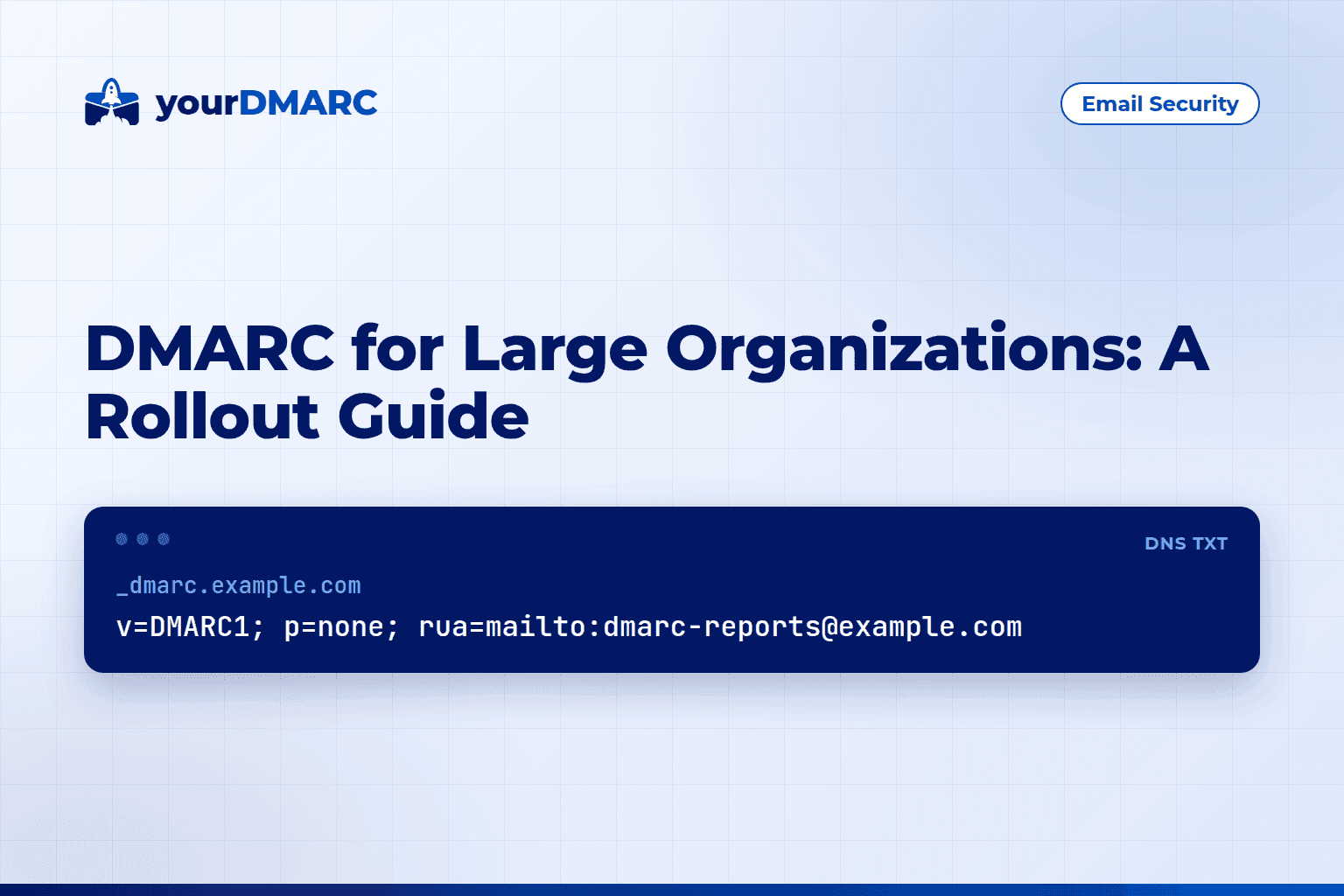
_dmarc.example.com. IN TXT "v=DMARC1; p=none; rua=mailto:dmarc@example.com"
Is a DMARC scanner the same as DMARC monitoring?
No. A scanner is a point-in-time snapshot of your published DNS records. Monitoring processes the aggregate reports that receiving mail providers send you, showing which sources send mail using your domain and whether they pass SPF, DKIM and alignment. The two answer different questions and work best together.
A scanner tells you whether your records are correct. It cannot tell you:
- Which third-party services send mail as your domain.
- Whether your legitimate mail passes alignment in real traffic.
- Whether someone is spoofing you right now.
Those answers come from aggregate reports, which are XML files that are hard to read raw. DMARC monitoring from yourDMARC collects and visualises those reports across your domains, so you can see failing sources before tightening your policy.
When should I re-scan my domain?
Re-scan whenever your DNS or sending setup changes, and after every policy change. Records can break silently when someone edits DNS, a vendor changes its include, or a DKIM key is rotated. A scan after each change catches mistakes before receivers act on them.
Good moments to scan:
- After adding or removing an email service such as a CRM, helpdesk or newsletter tool.
- After changing
p=fromnonetoquarantineorreject. - After a DKIM key rotation or a DNS provider migration.
- Before and after you address sender requirements; the compliance overview covers the bulk-sender expectations that make valid authentication necessary.
- Periodically for parked or unused domains, which should still publish a policy denying mail.
If rolling out enforcement across many domains feels heavy, the managed service has the yourDMARC team run the rollout to p=reject for you, and plans and pricing are listed separately. MSPs can look at the partner programme.
Limits to keep in mind
Scanners are useful but not omniscient. Be aware of these limits:
- DKIM selector guessing: the DNS has no way to list all selectors, so a scanner may miss valid ones.
- Alignment is not testable from DNS alone: whether a message aligns depends on the From domain, the envelope sender and the DKIM d= domain of real messages.
- Caching: a scan may show an old answer until the TTL expires.
- Subdomain policy: a subdomain inherits the organisational domain's policy unless it has its own record or the
sp=tag is set, so scan subdomains separately.
Key takeaways
- A DMARC scanner reads your public DNS and validates DMARC, SPF and DKIM records.
- Look first for a single valid DMARC record, then policy strength, then a
ruaaddress. - SPF must stay within 10 DNS lookups and appear as one record.
- A scan is a snapshot; it cannot show real sending sources or alignment results.
- Use aggregate-report monitoring alongside scans before moving to
p=reject. - Re-scan after every DNS, vendor or policy change.
- Start with the free domain scanner to see where your domain stands today.