
Email security for insurance means authenticating your domains with SPF, DKIM and DMARC, enforcing p=reject, and adding TLS and phishing controls. Enforced, this stops claim and payment emails that forge your exact domain.
Insurers, brokers and agencies run on email. Quotes, policy documents, claim updates, premium reminders and payment instructions all travel by message, and recipients trust the sender's domain. This guide covers what a sound email security programme looks like for an insurance organisation and the order in which to build it. If you want the sector overview, see our insurance page.
Why are insurers a target for email attacks?
Insurers hold personal, financial and health details, and they routinely ask customers to click links, open attachments and send payments. Attackers exploit that familiarity by spoofing the insurer's domain or a lookalike, because a believable claim or renewal notice gets read and acted on.
Common scenarios include:
- Fake renewal or premium notices sent from a spoofed domain, pointing to a payment page the attacker controls.
- Claim-related phishing aimed at policyholders who are expecting messages about an open claim.
- Business email compromise against finance teams, where a fraudulent message asks to change bank details for a payout or commission.
- Broker and agent impersonation, where an attacker poses as a trusted intermediary to request documents.
These attacks use different routes. Fake notices that forge your exact domain work only while your domain has no enforced DMARC policy. Lookalike domains and compromised real accounts get past DMARC entirely, so they need the inbound controls and payment checks covered later.
What does email security for insurance include?
It combines sender authentication, transport encryption and user-facing defences. SPF, DKIM and DMARC protect your domain from being spoofed, MTA-STS and TLS protect messages in transit, and filtering, training and reporting handle threats that arrive in your own inboxes.
Think of it in three layers:
- Outbound identity: SPF, DKIM and DMARC, plus optionally BIMI once DMARC is enforced.
- Transport: TLS, with MTA-STS so sending servers refuse to downgrade to plaintext when delivering to your domain.
- Inbound defence: filtering, attachment and link scanning, multi-factor authentication, and a clear process for staff to report suspicious mail.
The first layer matters most for policyholders, because they do not sit behind your filters: only an enforced DMARC policy tells their mailbox provider to reject mail forging your domain.
How do SPF, DKIM and DMARC protect an insurance domain?
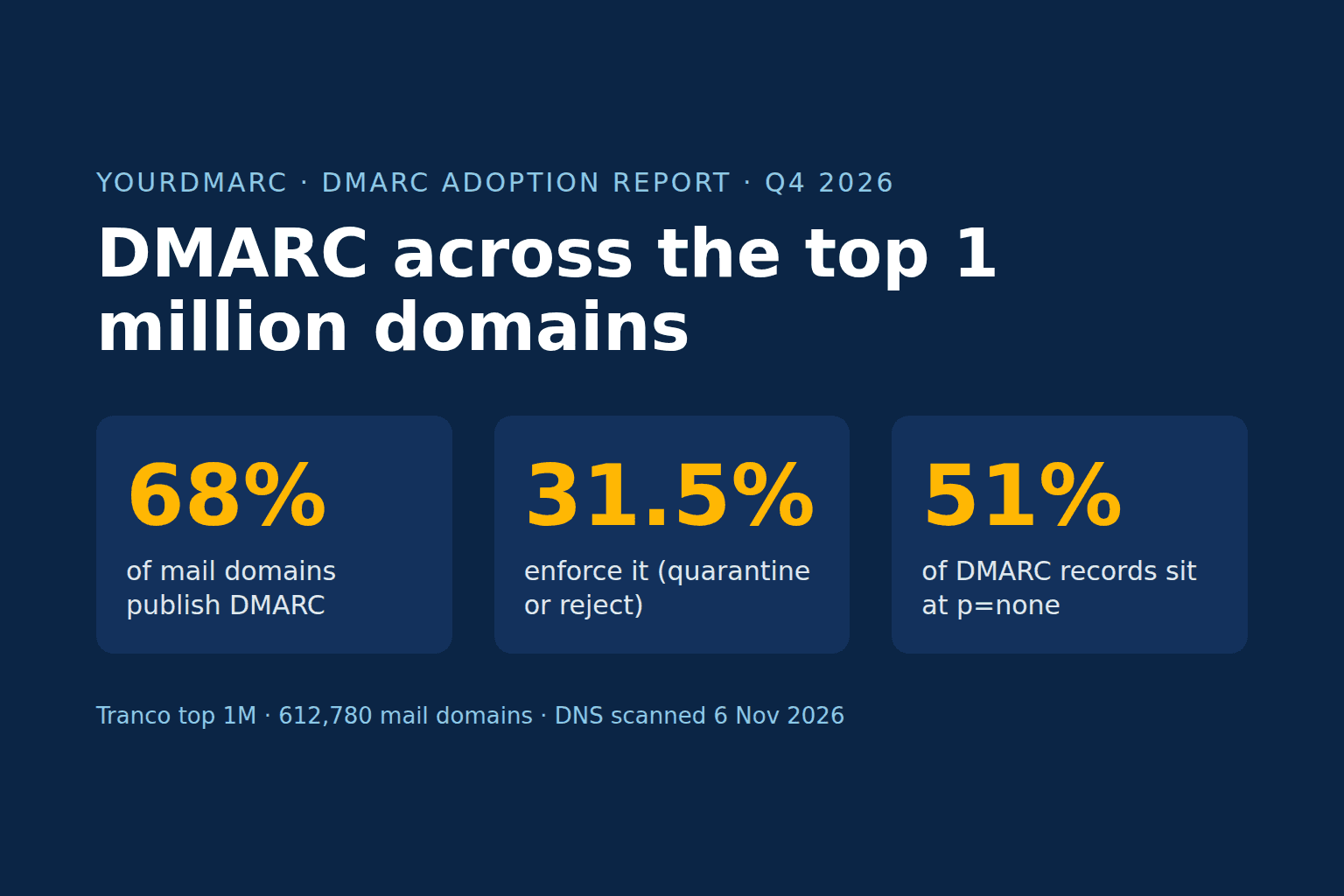
SPF lists the servers allowed to send for your domain, DKIM signs messages so tampering is detectable, and DMARC ties both to the visible From domain and tells receivers to quarantine or reject failures. Once DMARC is enforced at p=quarantine or p=reject, direct spoofing of your domain fails; at p=none spoofed mail is still delivered and only reported.
A minimal SPF record looks like this:
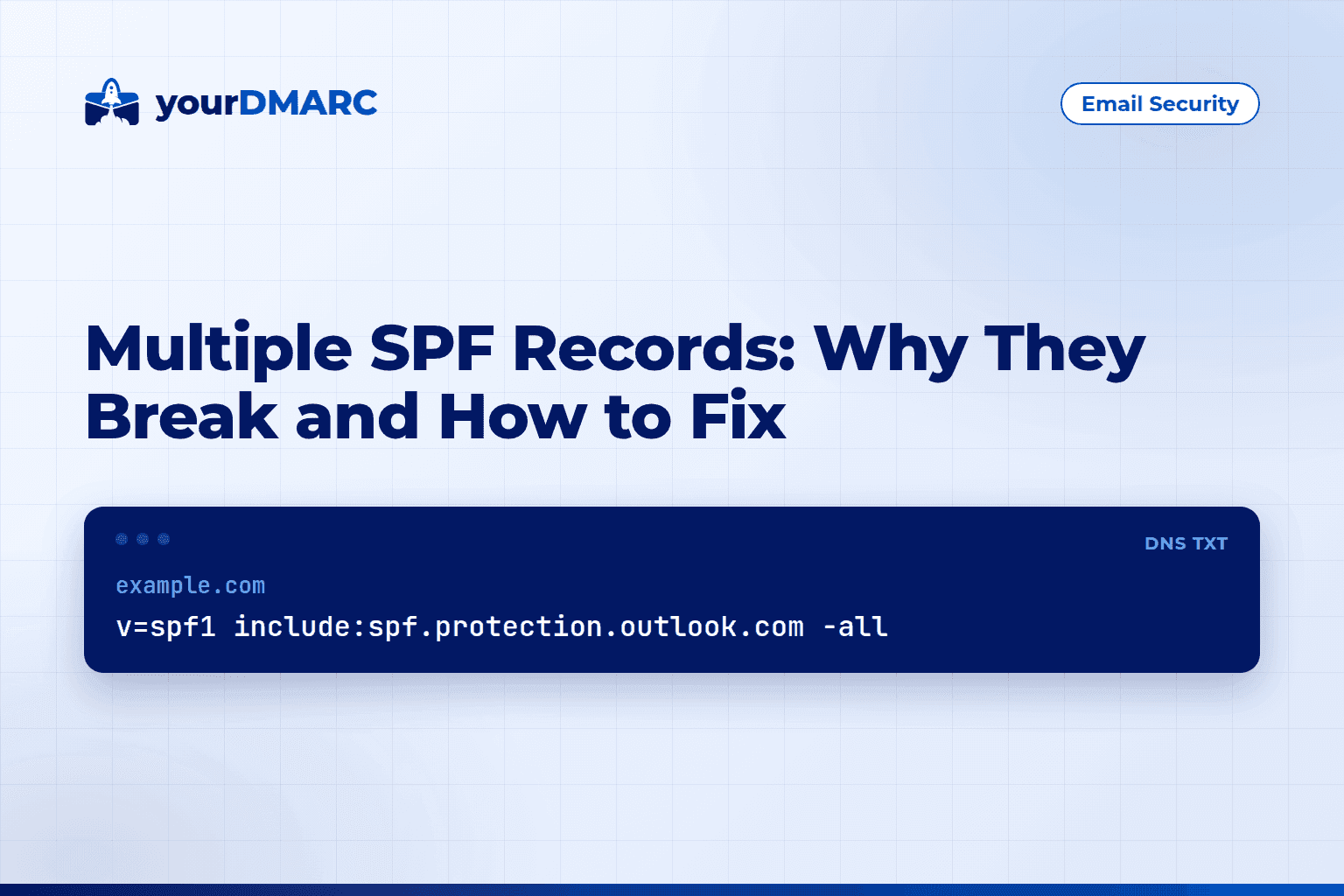
example.com. IN TXT "v=spf1 include:_spf.example.net ip4:203.0.113.10 -all"
Remember that SPF allows a maximum of 10 DNS lookups, and a domain must publish only one SPF record. Both limits are defined in RFC 7208. Insurers with many vendors (policy admin, claims platforms, CRM, marketing, e-signature) hit these limits quickly.
A DKIM public key is published under a selector:
selector1._domainkey.example.com. IN TXT "v=DKIM1; k=rsa; p=MIIBIjANBgkqh..."
And DMARC, defined in RFC 7489, ties it together:
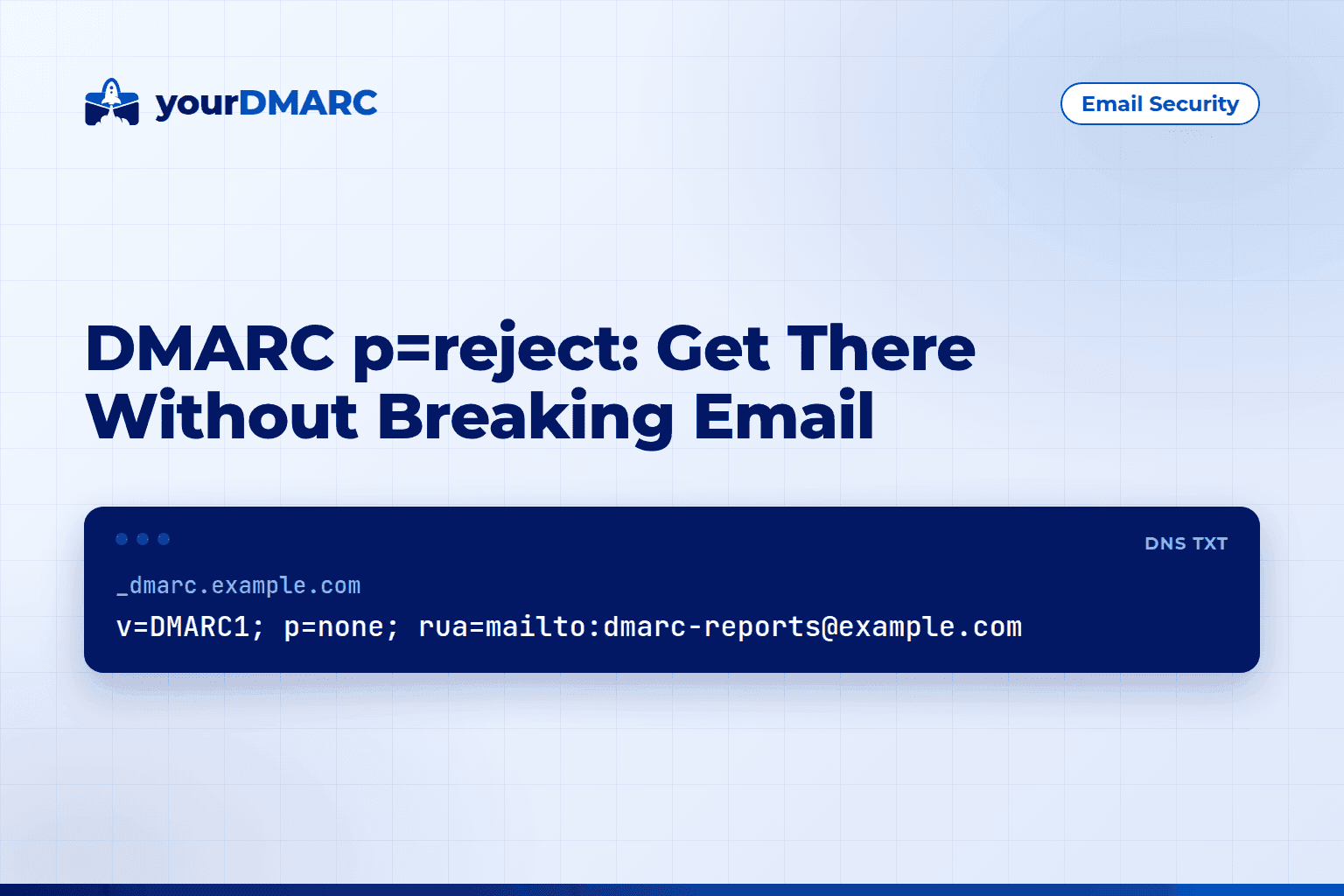
_dmarc.example.com. IN TXT "v=DMARC1; p=none; rua=mailto:dmarc-reports@example.com"
The policy values are p=none (monitor only), p=quarantine and p=reject. Only the last two actually instruct receivers to act on spoofed mail.
How do you roll out DMARC without breaking legitimate mail?
Start at p=none with aggregate reporting, identify every service that sends as your domain, fix SPF and DKIM alignment for the legitimate ones, then move gradually to quarantine and finally reject. Reporting tells you what is safe to block at each step.
A practical sequence for an insurance organisation:
- Inventory your domains. Include brand domains, regional domains, claims or portal subdomains and old acquired domains. Parked domains that never send mail should get a null SPF record and a reject policy.
- Publish DMARC at p=none with an
ruaaddress so aggregate reports start arriving. - Read the reports. Aggregate data shows which IPs send as your domain and whether they pass SPF and DKIM with alignment. Unknown sources are either forgotten vendors or abuse.
- Fix the legitimate senders. Configure DKIM signing with your domain on each third-party platform and make sure SPF includes only what you need.
- Move to quarantine, then reject. Raise enforcement in stages, watching reports after each change.
Raw XML reports are tedious to read by hand, so most teams use a tool to collect and visualise them. DMARC monitoring does this across your domains, which makes it easier to spot an unauthorised sender or a vendor that is failing alignment.
For parked or non-sending domains, a locked-down setup is simple. When the reports go to a mailbox on another domain, that domain must authorise them with an extra record (RFC 7489, section 7.1), or receivers drop the reports:
example.org.                              IN  TXT  "v=spf1 -all"
_dmarc.example.org.                       IN  TXT  "v=DMARC1; p=reject; rua=mailto:dmarc-reports@example.com"
example.org._report._dmarc.example.com.   IN  TXT  "v=DMARC1"
Does MTA-STS matter for insurance companies?
Yes. MTA-STS lets your domain declare that inbound mail must be delivered over validated TLS, so supporting servers will not fall back to plaintext or accept a spoofed mail server. For organisations that receive claim documents and personal data by email, it closes a real gap.
MTA-STS, defined in RFC 8461, uses a DNS record and a policy file served over HTTPS:
_mta-sts.example.com. IN TXT "v=STSv1; id=20240101000000"
version: STSv1
mode: testing
mx: mail.example.com
max_age: 86400
The policy file must be served at https://mta-sts.example.com/.well-known/mta-sts.txt with a valid certificate for that host, and the id in the DNS record must change every time you change the policy, or senders keep using their cached copy.
Begin in testing mode, review TLS reports if you publish a TLS-RPT record, and move to enforce once you are confident every MX host presents a valid certificate.
Do regulations require email authentication for insurers?
Requirements vary by jurisdiction and regulator, and most rules for insurers do not name DMARC. New York's NYDFS cybersecurity regulation (23 NYCRR Part 500), for example, requires controls such as multi-factor authentication and third-party risk management. PCI DSS v4.0, which applies if you take card payments, requires processes and automated mechanisms to protect staff against phishing (requirement 5.4.1), and email authentication is a common part of meeting it. Google and Yahoo also require a DMARC record from bulk senders. Confirm your own obligations with your legal and compliance teams.
Even where no rule applies, enforced DMARC is a straightforward control to point to in vendor questionnaires, audits and cyber insurance applications.
Beyond authentication: the inbound basics
Authentication stops others from impersonating you, but it does not stop attackers from emailing your staff from their own domains. Keep these controls alongside it:
- Multi-factor authentication on every mailbox, especially for claims, finance and underwriting.
- A call-back or second-channel check before changing bank details or releasing a payout.
- Warning banners for external senders and lookalike-domain detection.
- A simple way for staff to report suspicious messages, and a named owner who reviews them.
- Regular review of mailbox forwarding rules, since attackers often add hidden ones after a compromise.
Key takeaways
- Email security for insurance starts with protecting your own domains from spoofing using SPF, DKIM and DMARC.
- DMARC only protects policyholders once the policy reaches quarantine or, ideally, reject.
- Inventory every domain and every third-party sender before enforcing, and use aggregate reports to find them.
- Keep SPF within its 10-lookup limit and publish a single SPF record per domain.
- Lock down parked and non-sending domains with a null SPF record and p=reject.
- Add MTA-STS to protect inbound mail in transit, starting in testing mode.
- Pair authentication with MFA, second-channel payment verification and staff reporting.
- Keep reading aggregate reports after enforcement, so new senders and abuse show up early.